
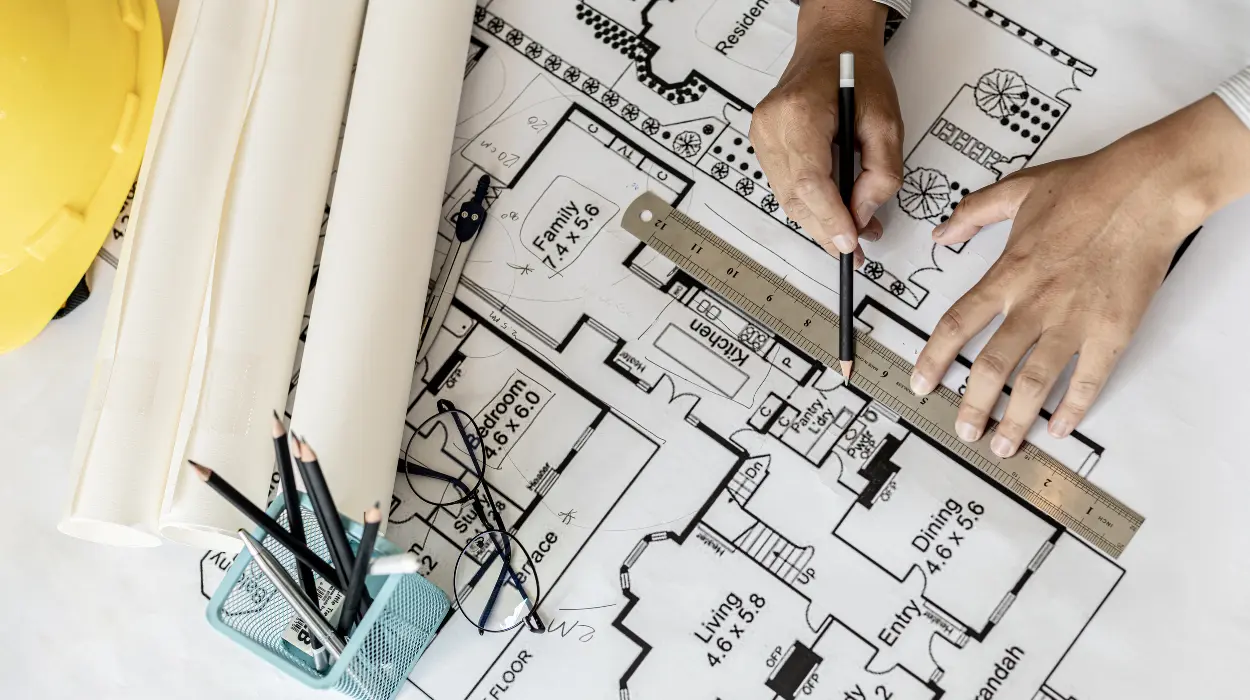
An AutoCAD HVAC and Plumbing Design Training Course usually covers the full workflow for producing accurate mechanical building drawings, from layer control and drafting standards to ductwork, pipe routing, symbols, annotations, and coordination with architectural and structural plans. The focus is not only on software use, but also on how design documentation supports buildability, compliance, and cross-team coordination in real projects.
For readers who are still assessing whether AutoCAD sits at the right point in their learning path:
What Is AutoCAD and Why Is It Essential for HVAC and Plumbing Engineers? gives useful context before comparing training options.
It explains the role of CAD in mechanical design and helps separate software familiarity from job-ready design capability.
What does an AutoCAD HVAC and plumbing design course teach first?
The course starts with drawing setup, interface control, standards, and file management because mechanical design work depends on accuracy, consistency, and speed. Learners build the foundation for producing clean HVAC and plumbing drawings that align with project specifications and team workflows.
A strong course begins with AutoCAD fundamentals in a mechanical context. That means learners do not just open the software and draw lines. They learn how to set units, manage coordinate systems, use object snaps, control layers, apply lineweights, and work with templates. These basics define how a drawing behaves across revisions and across teams.
In HVAC and plumbing work, drawing standards carry operational value. One misplaced layer or wrong annotation style creates confusion during review, coordination, and site execution. Training usually includes standards for naming conventions, drawing organisation, title blocks, viewports, and printable sheet layouts. These rules matter because B2B project teams depend on documentation that is easy to review and hand over.
The first stage also introduces technical file handling. Learners work with Xrefs, blocks, external references, and drawing cleanliness. This matters in workplace settings because mechanical drawings rarely exist in isolation. They connect with architectural plans, reflected ceiling layouts, sections, and schedules. A course that teaches file structure early prepares learners for real project coordination instead of isolated drafting.
How are HVAC system drawings covered in the course?

HVAC content centres on ductwork, air distribution, equipment placement, and schematic representation, so learners understand how to translate mechanical design intent into precise AutoCAD drawings used for installation, coordination, and review.
This is usually one of the most important parts of the programme. HVAC drawings represent the movement of air, the location of equipment, and the relationships between components inside a building. Learners study how to draft supply, return, and exhaust duct routes, annotate fittings, and show equipment positions in relation to the ceiling, plant room, and service zones.
Training typically covers common HVAC components such as air-handling units, fan-coil units, diffusers, grilles, dampers, and terminal devices. Learners also work with symbols and abbreviations used in mechanical drawings. This is important because teams across engineering, procurement, and construction rely on standard notation to quickly interpret design intent.
Good courses also explain how HVAC drawings support coordination. Duct routes must avoid clashes with beams, lighting, cable trays, and other services. That means learners practise layout thinking, not just drafting. In business terms, this reduces redesign cycles and coordination delays, both of which affect delivery timelines and labour cost.
A practical course also includes schematic drawings and plan views. Schematics show functional relationships, while plan views show spatial arrangement. Training in both formats helps learners understand how one project uses multiple drawing layers to communicate the same system from different angles. That skill matters when engineers prepare tender documents, construction sets, or design review packages.
What plumbing design topics are usually included?
Plumbing modules usually cover water supply, drainage, venting, fixture layout, pipe routing, and isometric representation, so learners can produce drawings that support sanitation, pressure flow, and installation planning.
Plumbing design training has a different logic from HVAC, but it depends on the same drafting discipline. Learners typically start with water distribution systems, including cold and hot water lines, fixture connections, valves, and risers. They then move into drainage, waste, and vent systems, where slope, direction, and stack coordination become critical.
A course usually introduces plumbing symbols, pipe sizing notation, fixture schedules, and line types. Learners also study how to draw isometric views because these help communicate pipe direction, offsets, and vertical changes more clearly than a flat plan alone. In a project team, isometrics support installation planning and reduce ambiguity for site crews.
Drainage design receives special attention because errors in slope or routing affect system performance. Learners work through typical cases such as bathroom clusters, pantry areas, and service cores. These examples teach how plumbing systems are laid out around a building’s functional zones rather than drawn as abstract lines. That shift matters for workplace readiness because real projects are built around constraints, not idealised layouts.
The course also covers coordination with fixtures and sanitary fittings. Learners learn how plumbing drawings support procurement, BOQ preparation, and construction sequencing. In HR and training terms, this makes the course relevant for organisations that want to close skill gaps in technical documentation and reduce the time it takes new staff to contribute to project work.
How does the course teach coordination with other disciplines?
Coordination training teaches learners to align mechanical drawings with architectural, structural, electrical, and interior plans, which is essential for clash avoidance, accurate installation, and efficient design review.
This topic often separates a basic drafting course from a workplace-ready mechanical training programme. HVAC and plumbing drawings only work when they fit the rest of the building model. Learners therefore study how to overlay plans, identify conflicts, and adjust service routes around structural and spatial constraints.
The course usually explains how to use architectural backgrounds and Xrefs. That allows learners to draft within real project conditions instead of inventing isolated layouts. It also improves accuracy in ceiling zones, shafts, plant rooms, and service corridors. These are the areas where clashes typically appear first.
For employers, coordination skill has measurable value. It reduces rework, shortens drawing approval cycles, and improves communication between design and site teams. That is why HR departments often treat coordination capability as a productivity issue, not just a software skill. A technically sound learner saves time for senior engineers and lowers the risk of revision overload.
Some courses also introduce basic clash-awareness methods, drawing mark-up procedures, and issue tracking. These are not full BIM workflows, but they reinforce the habit of checking interfaces before submission. In practice, that improves design maturity and supports faster project sign-off.
Which AutoCAD tools and commands matter most?
The most important tools are layers, blocks, external references, dimensioning, hatching, annotations, and plotting, because these functions shape drawing quality, revision control, and deliverable consistency in mechanical projects.
A good course does not overload learners with every AutoCAD command. It prioritises the tools that matter in HVAC and plumbing production work. Layers are central because they control visibility, line type, and discipline separation. Blocks save time by standardising repeated items such as valves, diffusers, fixtures, and symbols. Annotation tools keep text and dimensions legible across sheet scales.
Plotting and sheet preparation are also essential. Many learners can draft on screen but struggle to prepare final outputs that print correctly. Training should therefore include page setup, viewport management, scale control, and PDF export. These tasks affect how the design package is reviewed by managers, consultants, and contractors.
| Core tool | What it supports | Why it matters in HVAC and plumbing |
|---|---|---|
| Layers | Discipline separation and visibility control | Prevents drawing confusion and supports coordination |
| Blocks | Reusable symbols and components | Speeds up production and standardises notation |
| Xrefs | Linked background files | Keeps multi-discipline drawings aligned |
| Dimensions | Measurement and verification | Improves accuracy in fabrication and installation |
| Annotations | Notes, labels, and call-outs | Makes drawings readable for reviewers and site teams |
| Plotting | Final output preparation | Ensures deliverables are publishable and consistent |
This set of tools also reflects how professional teams work. In a corporate environment, drawing quality directly affects review efficiency. Well-structured files reduce back-and-forth between juniors and seniors, which improves throughput for engineering teams.
How is the training applied in real projects?

The training is applied through practical exercises that mirror project work, such as drafting room layouts, routing services, preparing sheets, and coordinating revisions, so learners convert software knowledge into job performance.
Application-based learning is the main reason organisations invest in technical training. A course built only around tool demonstrations produces limited transfer to the workplace. A course built around project tasks develops performance, because learners practise the same activities they will face in design offices or contractor environments.
Typical exercises include drafting a floor plan, placing HVAC equipment, routing pipes through defined zones, and preparing annotated sheets. Learners also revise drawings based on feedback, which is crucial. Revision management reflects real project life, where design evolves through internal reviews, client comments, and site changes.
Some programmes also use case-based training. For example, a learner may be asked to design service layouts for a small commercial space, a residential floor, or a plant room. Each case requires different decisions about routing, spacing, and coordination. That variety helps build judgement, not just command recall.
This practical structure matters to managers because it links training with measurable outcomes. Teams often evaluate success through output quality, time saved on drafting tasks, fewer errors in issued drawings, and reduced supervision requirements. Those are direct business indicators, not abstract learning metrics.
What should organisations evaluate before choosing a course?
Organisations should assess content depth, project realism, instructor credibility, delivery format, and post-training transfer because the right course improves technical output, staff confidence, and project efficiency.
Before selecting a course, HR teams and engineering managers need a clear evaluation framework. The first question is whether the syllabus covers both HVAC and plumbing or only general AutoCAD use. If a team needs mechanical drafting capability, the programme must go beyond generic software navigation.
The second question is depth. A surface-level course teaches commands. A serious course teaches drafting standards, coordination, annotation logic, and deliverable preparation. That difference determines whether the learner can contribute to project work after training or needs extended supervision.
The third factor is delivery model. Some organisations prefer classroom training for immediate feedback and team consistency. Others choose blended or online delivery when staff are distributed or schedules are tight. The best format depends on learner volume, urgency, and the complexity of the drawing tasks being taught.
The fourth factor is transfer to the workplace. A useful course includes practice files, review exercises, and design scenarios that reflect real work. If the training only shows isolated commands, the learning transfer remains low. If it uses project-based tasks, the team retains more of the skill and applies it faster.
Decision framework
| Evaluation criterion | Strong course indicator | Business relevance |
|---|---|---|
| Syllabus breadth | Covers HVAC, plumbing, and coordination | Supports multi-skill capability |
| Practicality | Uses project-style exercises | Improves real-world application |
| Delivery format | Matches team size and schedule | Improves attendance and completion |
| Instructor background | Industry experience in mechanical drafting | Raises relevance and credibility |
| Assessment method | Includes reviewed assignments | Measures learning transfer |
This framework supports decision-making because it links training design to operational outcomes. A course becomes valuable when it closes skill gaps, improves drawing quality, and reduces the time required for staff to work independently.
Explore:
Why Choose Imperial’s AutoCAD HVAC and Plumbing Design Training Course?
Where does the course fit in workforce development?
The course fits into technical upskilling, role readiness, and performance improvement because it equips staff to produce mechanical drawings that support project delivery, quality control, and team efficiency.
In many organisations, CAD training is not a standalone learning initiative. It forms part of a wider workforce development plan. HR teams use it to address capability gaps among technicians, junior engineers, drafting staff, and new recruits. Managers use it to build consistency across project teams. The business aim is better output with less rework.
The course also supports role progression. A drafter who understands HVAC and plumbing documentation becomes more useful to the design team than someone who only knows generic CAD shortcuts. That skill increase can improve deployment flexibility across departments and project types.
Performance measurement is straightforward. Organisations assess improvements through drawing accuracy, turnaround time, fewer review comments, better coordination, and reduced dependence on senior staff for basic drafting tasks. These indicators connect training investment to business value. They also help justify future learning budgets because the effect appears in workflow efficiency, not just attendance numbers.
For learners, this makes the course more than a software class. It becomes a pathway into mechanical design support work, where accuracy, clarity, and coordination shape day-to-day performance. For employers, it becomes a capability-building tool aligned with delivery expectations.
What topics are covered in an AutoCAD HVAC and Plumbing Design Training Course at Imperial Corporate Training Institute?
The course covers drawing setup, HVAC ductwork and equipment layouts, plumbing pipe routing and drainage systems, coordination with other disciplines, and key AutoCAD tools like layers and blocks. It focuses on practical drafting standards for real project workflows. This builds skills for producing accurate mechanical drawings used in construction and engineering.
Is AutoCAD training necessary for HVAC and plumbing engineers?
AutoCAD training is essential for HVAC and plumbing engineers to create precise designs, ensure coordination, and meet industry standards. Imperial Corporate Training Institute’s AutoCAD HVAC and Plumbing Design Training Course teaches these skills through project-based exercises. It bridges software knowledge with workplace application for better project outcomes
What are the prerequisites for joining Imperial’s AutoCAD HVAC and Plumbing Design Training Course?
Basic computer skills and familiarity with drafting concepts are the main prerequisites for Imperial Corporate Training Institute’s AutoCAD HVAC and Plumbing Design Training Course. No prior AutoCAD experience is required, as it starts with fundamentals. Engineers or technicians in HVAC and plumbing benefit most from the structured progression.
How does Imperial’s AutoCAD training help with real-world HVAC and plumbing projects?
Imperial Corporate Training Institute’s AutoCAD HVAC and Plumbing Design Training Course equips learners with skills for clash-free coordination, accurate annotations, and professional sheet preparation. It uses project scenarios to mirror actual workflows in engineering firms. This reduces errors and improves efficiency in design-to-construction handovers.