
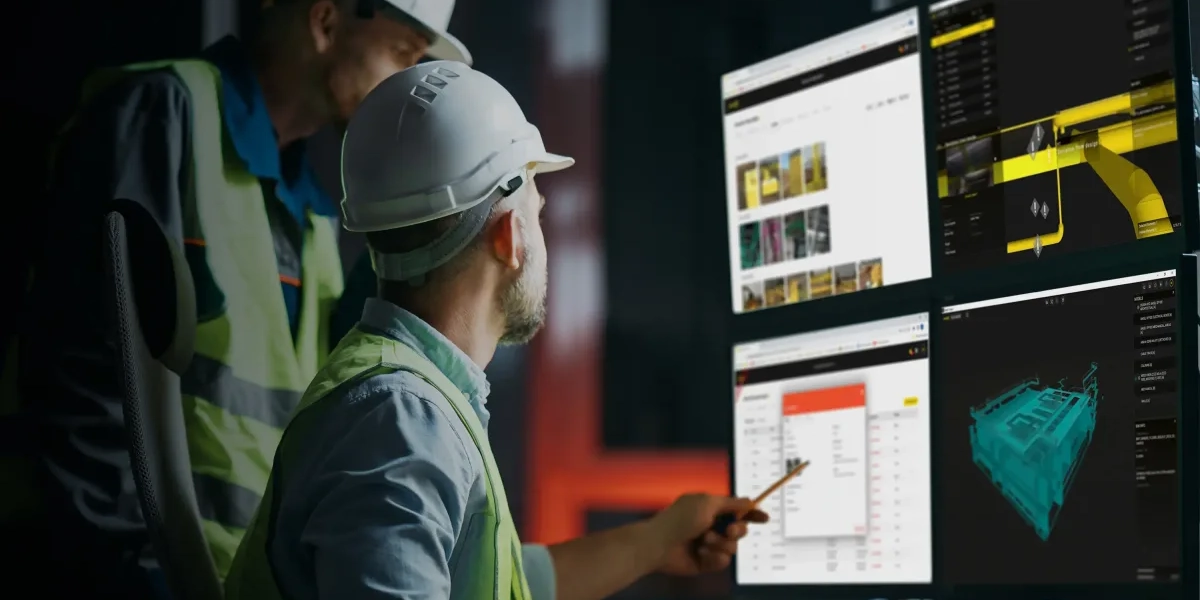
Construction projects are complex endeavors, often spanning multiple job sites, dozens of workers, heavy equipment, and tight timelines. Inefficient resource allocation can cost companies significantly in lost time and unexpected expenses. Recent studies in the Journal of Construction Engineering and Management highlight that optimized dispatch procedures can reduce operational delays by up to 30%, resulting in improved margins. By centralizing resource planning and automating routine processes, top-tier dispatch software empowers managers to make data-driven decisions.
Key Features to Look For
Choosing the right dispatch platform involves understanding what features your projects require:
- AI-Powered Scheduling: Software like Connecteam leverages artificial intelligence to suggest optimal crew assignments and flag scheduling conflicts before they become costly mistakes.
- Real-Time GPS Tracking: Platforms such as Tenna provide live maps and equipment locations, reducing downtime by ensuring assets are at the right site, at the right time.
- Mobile Accessibility: Modern solutions feature mobile apps, allowing field teams to receive updates and communicate scheduling changes instantly, even in remote locations.
- Multi-Project Coordination: Tools like B2W Schedule and Procore support management of numerous concurrent projects, which is essential for medium and large contractors.
- Integrated Equipment Management: Real-time equipment status (location, maintenance needs) prevents unplanned repair stoppages, enabling predictive maintenance.
- Custom Reporting and Analytics: Dashboards and customizable reports help managers monitor KPIs such as equipment utilization rate, labor productivity, and schedule adherence.
Top Dispatch Software Options for 2025
The leading products, according to independent reviews and expert evaluations, include:
| Software | Best For | Core Features | Standout Capability |
|---|---|---|---|
| Connecteam | All-in-one scheduling & dispatch | AI scheduling, mobile | User-friendly mobile app |
| Tenna | Heavy contractors, mixed fleets | Equipment, GPS, crew | Real-time asset tracking |
| B2W Schedule | Large, multi-site civil projects | Crew, truck schedule | Conflict alerts, reporting |
| HCSS Dispatcher | Contractors using HCSS ecosystem | Crew/equipment, office | Role-based dashboards |
| Workyard | SMBs with field workforce | GPS, scheduling | Affordable, easy setup |
| Procore | GC/large contractors | Resource, task manage | Project integration, Gantt |
Each option is suited to different contractor needs. For instance, Tenna’s unified platform excels in heavy equipment tracking, while Connecteam’s app makes it ideal for mobile-first teams managing shifting workforce schedules.
Field Specialist Insights
Industry field specialists underscore the importance of software integration. Dr. Michael Sanchez, a construction management professor, recommends platforms that “seamlessly connect dispatch, equipment management, and reporting” to maximize organizational agility. Case studies documented in peer-reviewed journals report that companies implementing integrated dispatch software saw productivity gains of 18–27% within their first year of use.
Data and Industry Trends
Global construction management software adoption is rising sharply. Market research from Deloitte and Construction Executive reveals:
- Over 70% of contractors with more than 100 employees are investing in dispatch and project management software in 2025, up from 50% in 2023.
- Companies utilizing real-time job site dispatch solutions experience a 20–40% reduction in average project delays compared to firms still relying on legacy or manual methods.
- Mobile app usage among field managers grew 35% last year, with accessibility and instant communication cited as primary drivers.
Steps to Selecting the Best Dispatch Software
Follow these steps for a successful selection and implementation process:
- Assess Company Needs: Determine your must-have features from resource management to integration with payroll, accounting, or telematics.
- Research Vendor Track Record: Verify stability, customer support, and responsiveness. Prioritize solutions with industry-specific references and proven uptime.
- Request Demos and Trials: Engage your field supervisors and office staff to test usability during vendor trials. Check for intuitive interfaces and robust mobile performance.
- Evaluate Scalability: Ensure the platform can grow with your business, adding projects and users as you expand.
- Check Integration Capabilities: Confirm APIs and data export options for seamless flow with other tools like ERP or project management systems.
- Analyse Pricing and ROI: Look beyond subscription costs. Consider savings from reduced delays, overtime, equipment misuse, and administrative overhead.
- Consider Data Security: Opt for platforms that utilize enterprise-grade security protocols, particularly if dealing with sensitive project or client data.
For additional, in-depth training on construction management systems, Imperial Corporate Training Institute’s construction management training provides targeted resources and expert-led sessions for industry professionals.
Common Pitfalls to Avoid
- Over-customization: Resist solutions that demand extensive one-off customization, leading to complex maintenance and frequent support needs.
- Ignoring Field Feedback: Engage field teams early to ensure the software matches real-world workflows.
- Neglecting Training: Provide comprehensive onboarding to all users for smooth adoption and long-term success.
Internal Resources for Construction Professionals
Enhance your team’s efficiency by exploring ICTI’s training in construction management and related fields. Learn more about other training categories to build a workforce skilled in the latest industry technologies and tools.